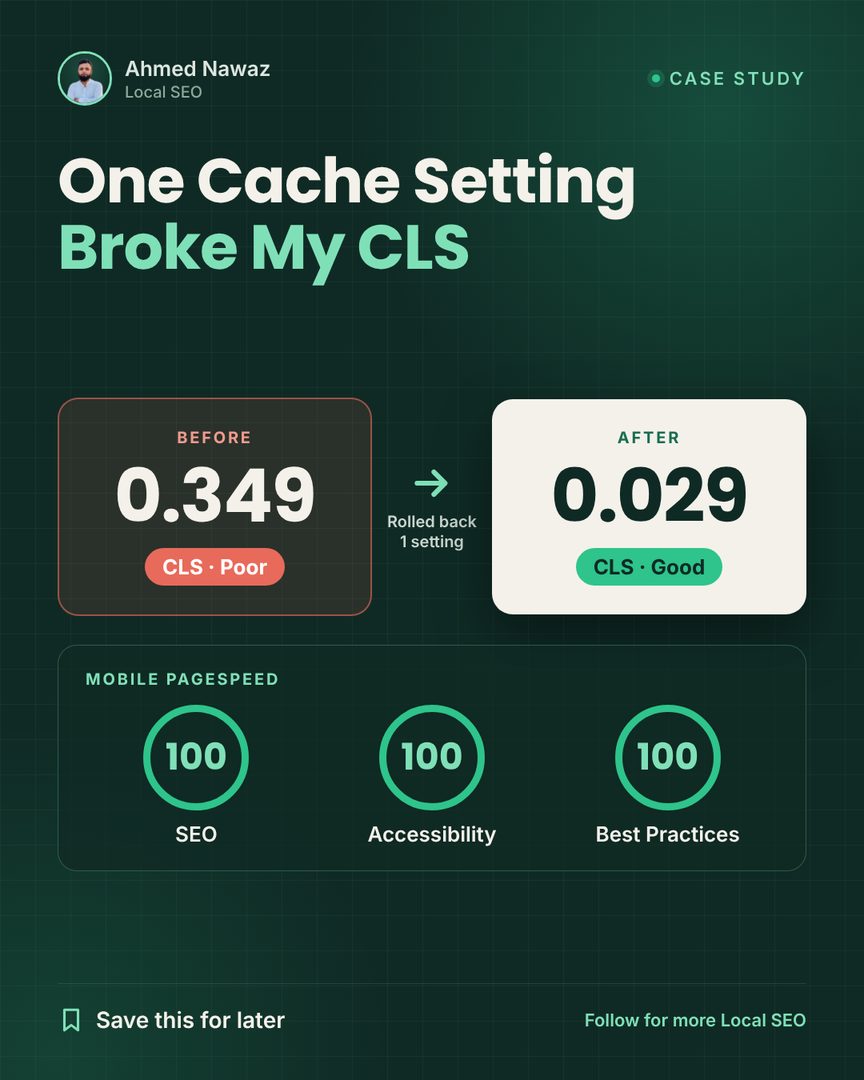
One caching setting pushed my CLS to 0.349. Rolling it back brought it down to 0.029.
What CLS is
CLS (Cumulative Layout Shift) measures how much a page jumps around while it loads. Google rates 0.1 or lower as good, and above 0.25 as poor. At 0.349, my site was well into the poor range.
What happened
I was tuning speed on my dumpster rental site and changed a caching setting. The pages felt faster. When I ran PageSpeed again, CLS had jumped.
What I did
- Looked at the last thing I had changed
- Rolled back that one setting
- Re-tested on mobile
Result: CLS 0.029. Today the site scores 100 on mobile PageSpeed for SEO, Accessibility and Best Practices.
The lesson
Settings that make a site faster can still break layout stability. Change one thing, test, then move to the next. If you change ten things at once, you will not know which one broke the page.
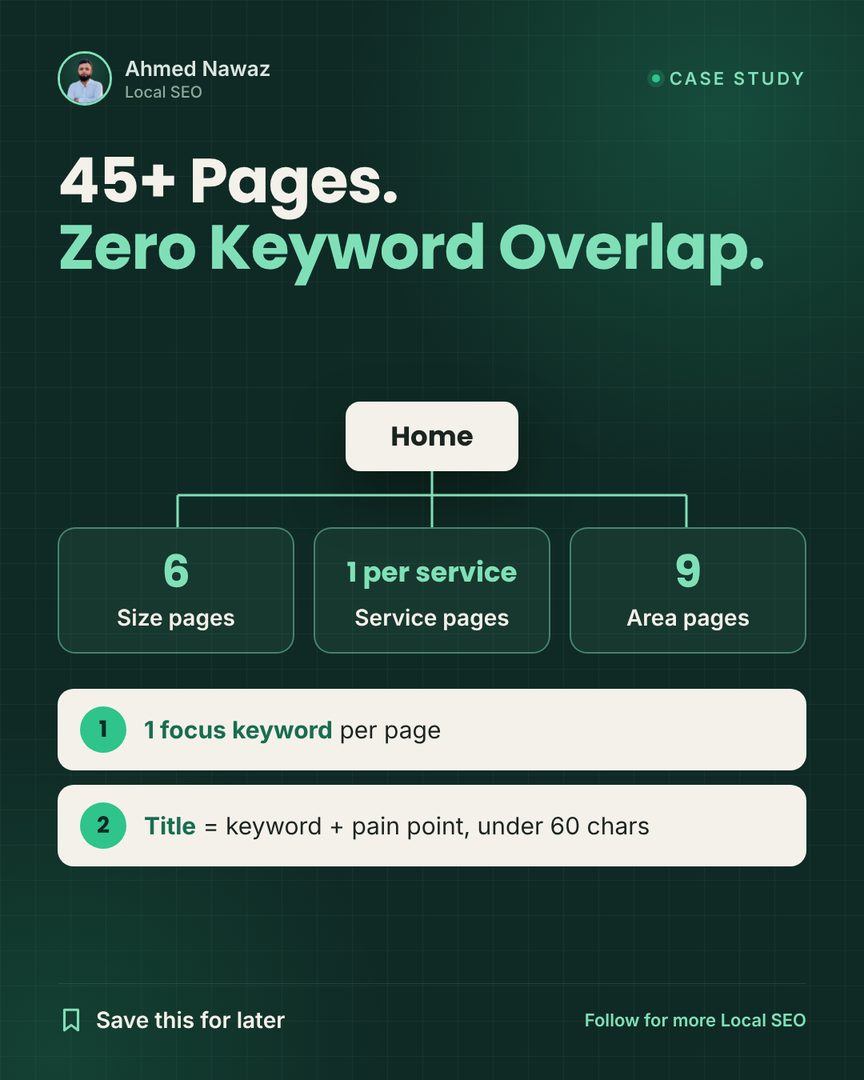
That is also why I do not trust a single "feels fast" check. Test on mobile, test after every change, and keep a note of what you changed and when. The full build, including the speed work, is in the 45+ page site case study.
Has a speed plugin or cache setting ever made your scores worse?

Ahmed NawazLocal SEO and Google Business Profile specialist. I build and rank my own lead-gen sites, then use the same method for clients. About me