Most service-area pages are the same page with the city name swapped. Google notices. So do customers.
I built 9 service-area pages for my dumpster rental site. This is the checklist I use.
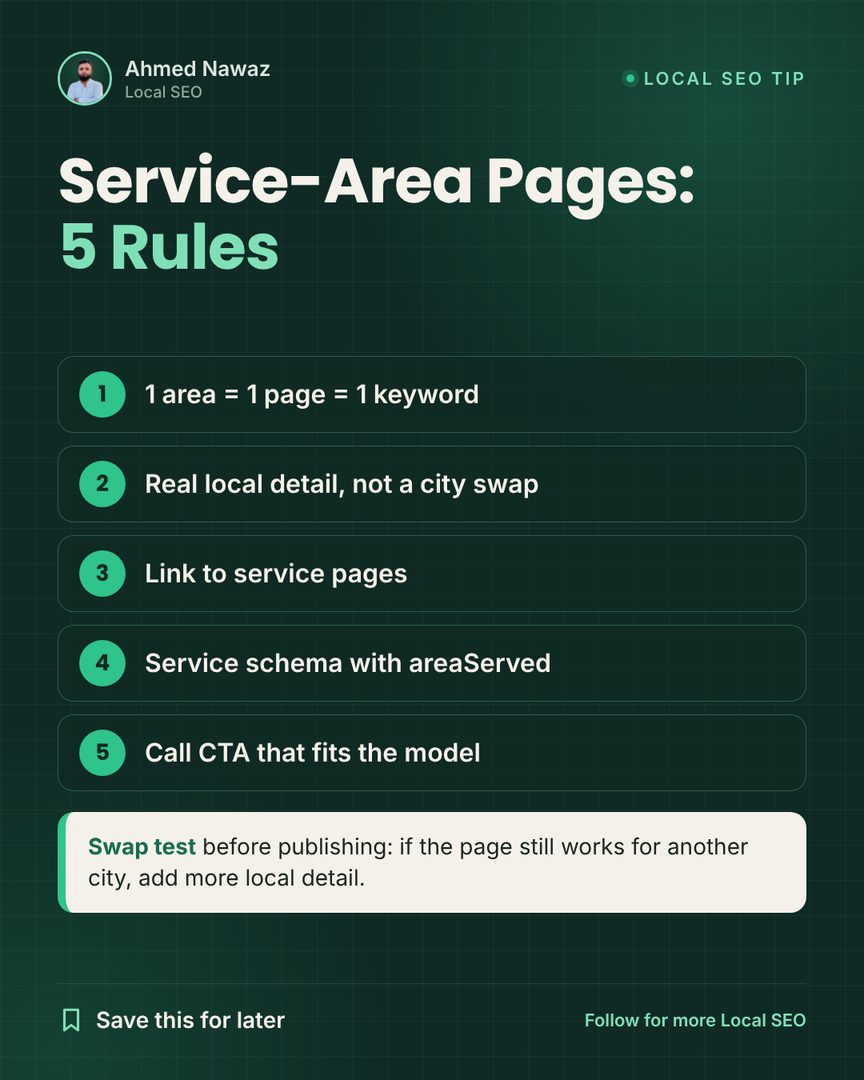
The 5 rules
- One area, one page, one focus keyword. No two area pages chase the same search.
- Write for that area. Neighborhoods, common project types and anything local a customer would care about.
- Link to your money pages. Each area page links to the relevant service and size pages.
- Add Service schema with
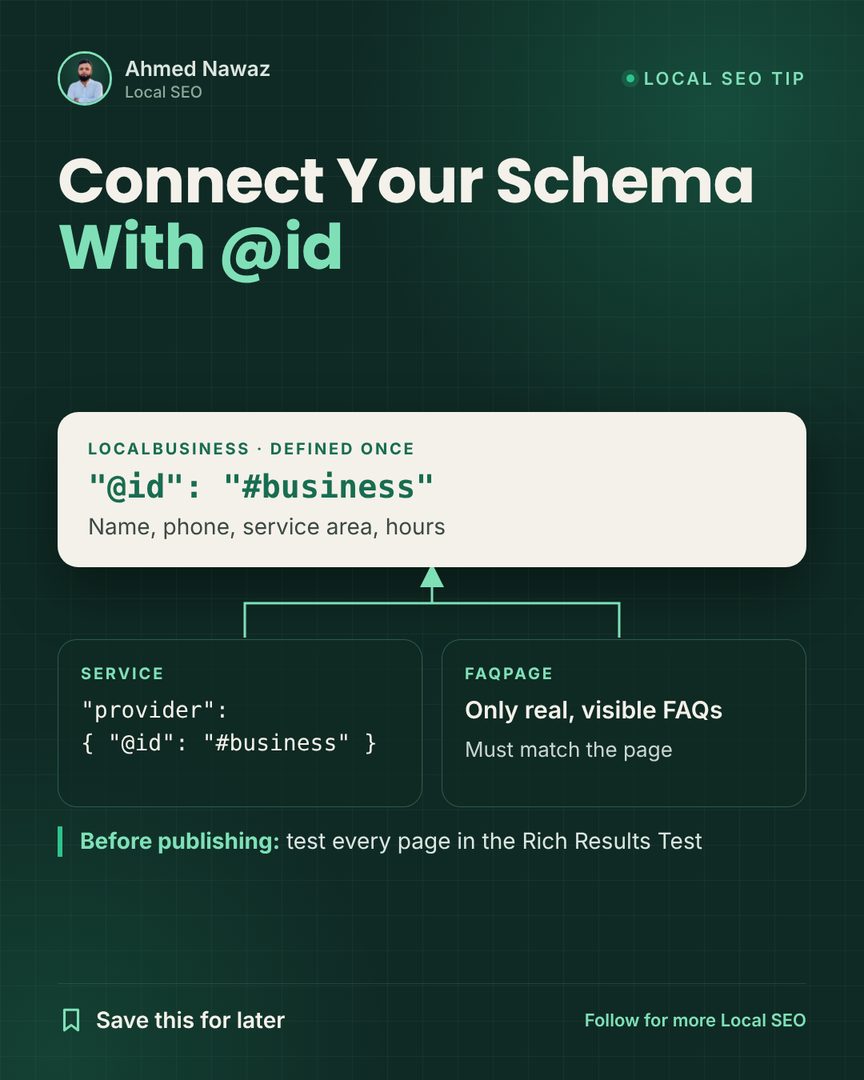
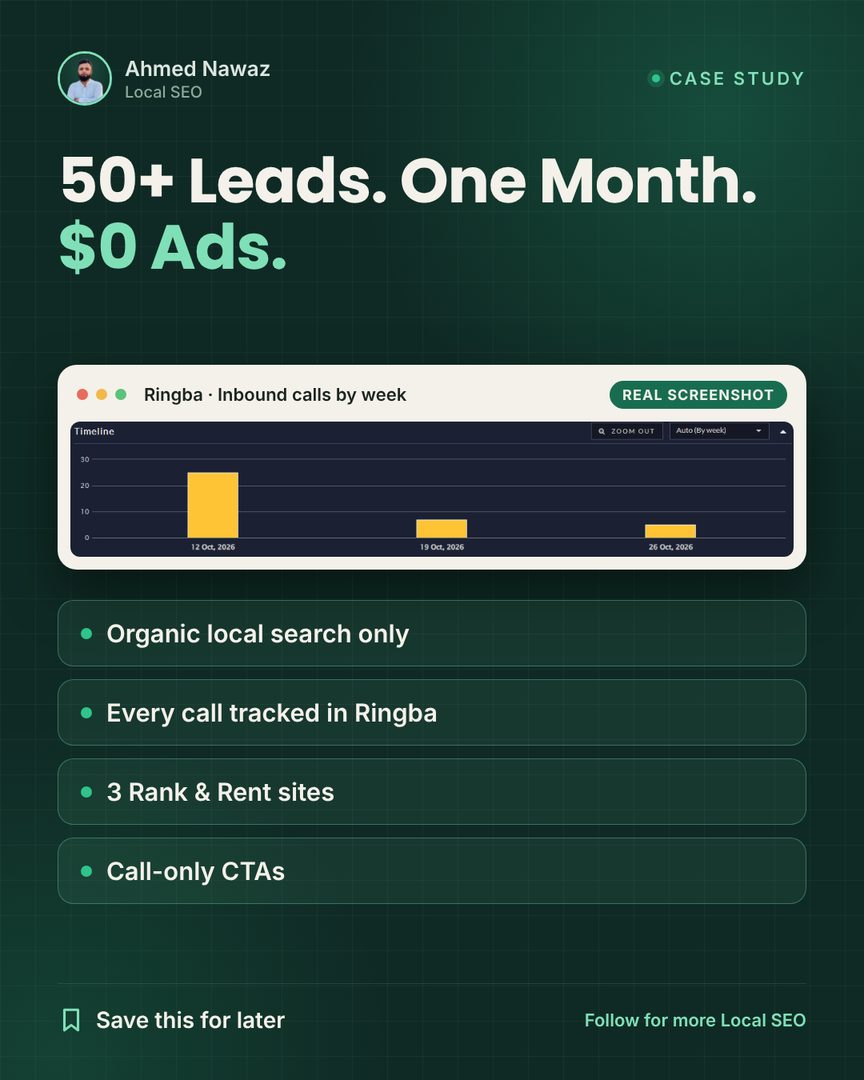
areaServed, connected to the main LocalBusiness entity through@id. - Use a CTA that fits the business model. On my site that is a call button only, because it is a pay-per-call project.
The swap test
Before publishing, I run one quick test:
If you can swap the city name and the page still works for another city, it needs more local detail.
Thin, near-duplicate location pages are the usual reason a service-area page gets ignored or filtered out. The fix is almost always more real, local information, not more words.
Why these pages matter
Service-area pages are where many local sites either earn rankings or get filtered out as thin content. They are also where a service-area business without a storefront can show relevance for each place it serves. If you want to see how the 9 area pages fit into the whole site, read the site structure case study.
Which part is hardest for you: unique content, internal links, or schema?

Ahmed NawazLocal SEO and Google Business Profile specialist. I build and rank my own lead-gen sites, then use the same method for clients. About me