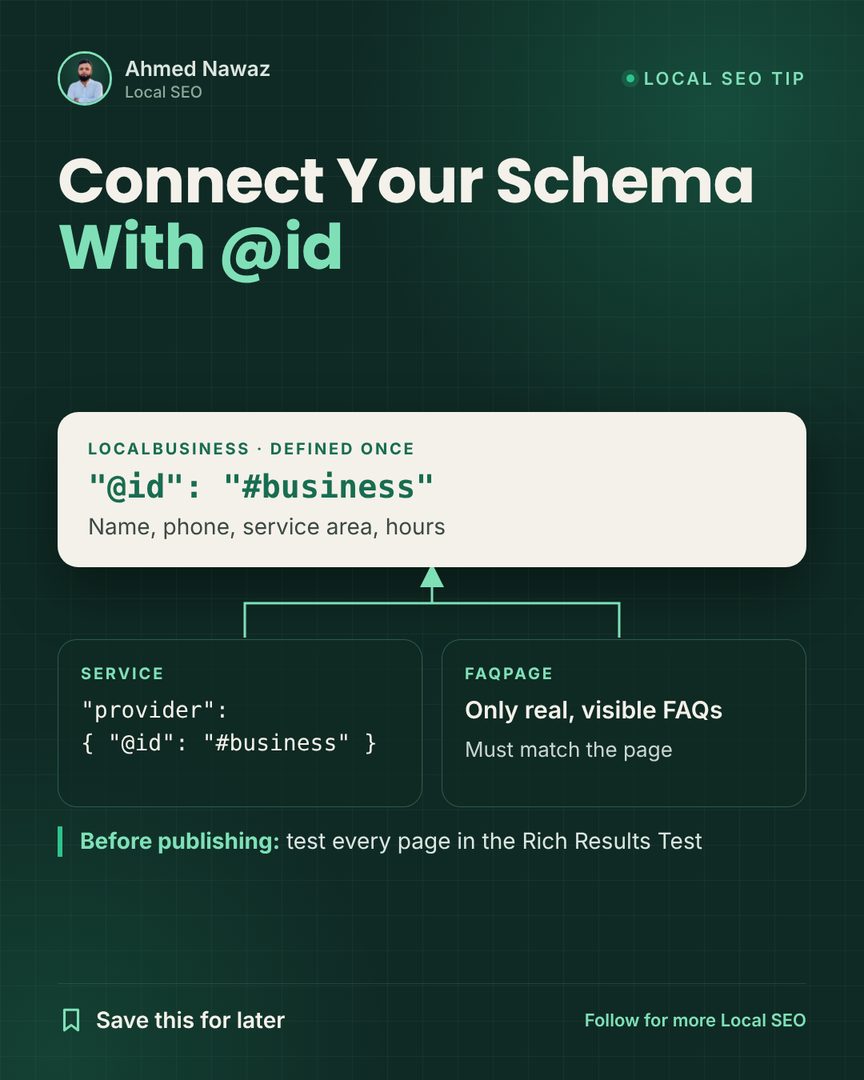
Adding schema is easy. Connecting it so Google sees one clear business is the step most sites skip. On my dumpster rental site, the schema on every page is linked through @id.
How it works, in plain terms
1. Define LocalBusiness once. It gets its own @id, for example yoursite.com/#business. It holds the name, phone, service area and hours.
2. Point each Service back to it. Every service page has Service schema that references that business:
"provider": { "@id": "yoursite.com/#business" }3. Use FAQPage only where the FAQs are real. FAQPage schema goes only on pages with real FAQs, and the questions must match what is visible on the page.
Why @id matters
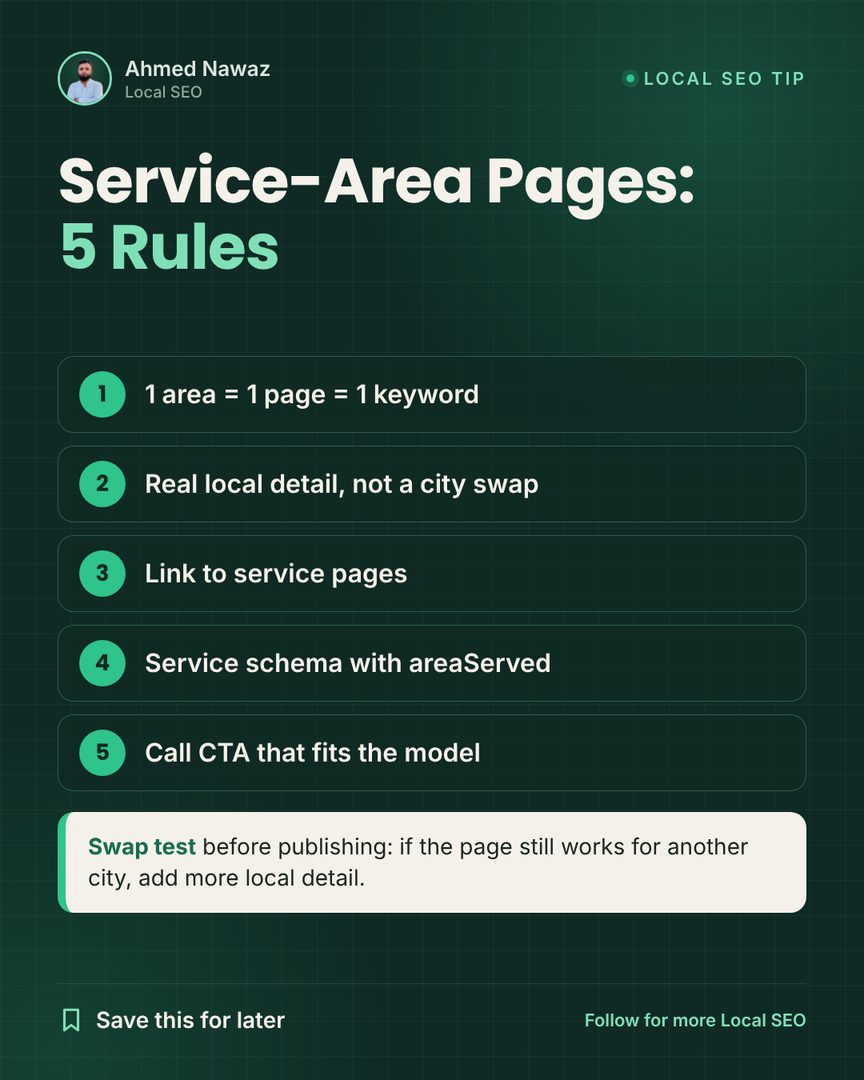
Without it, Google reads separate blocks of data. With it, Google reads one business that offers these services in these areas. The same idea is why I use it on service-area pages too.
Two rules worth keeping
- Only mark up what is actually on the page
- Test every page in the Rich Results Test or Schema Markup Validator before you publish
Do you hand-write your schema or rely on a plugin?

Ahmed NawazLocal SEO and Google Business Profile specialist. I build and rank my own lead-gen sites, then use the same method for clients. About me